Git Configurations
This guide explores working with git configurations. Git configurations enable cloning of private repositories, disabling of SSL verification, and/or extending verification through a custom bundle of certificates. For more information see the git configurations reference page.
View Git Configurations
- UI
- CLI
To view all available git configurations, navigate to the Git Configs page under the Advanced section of the side navigation menu.
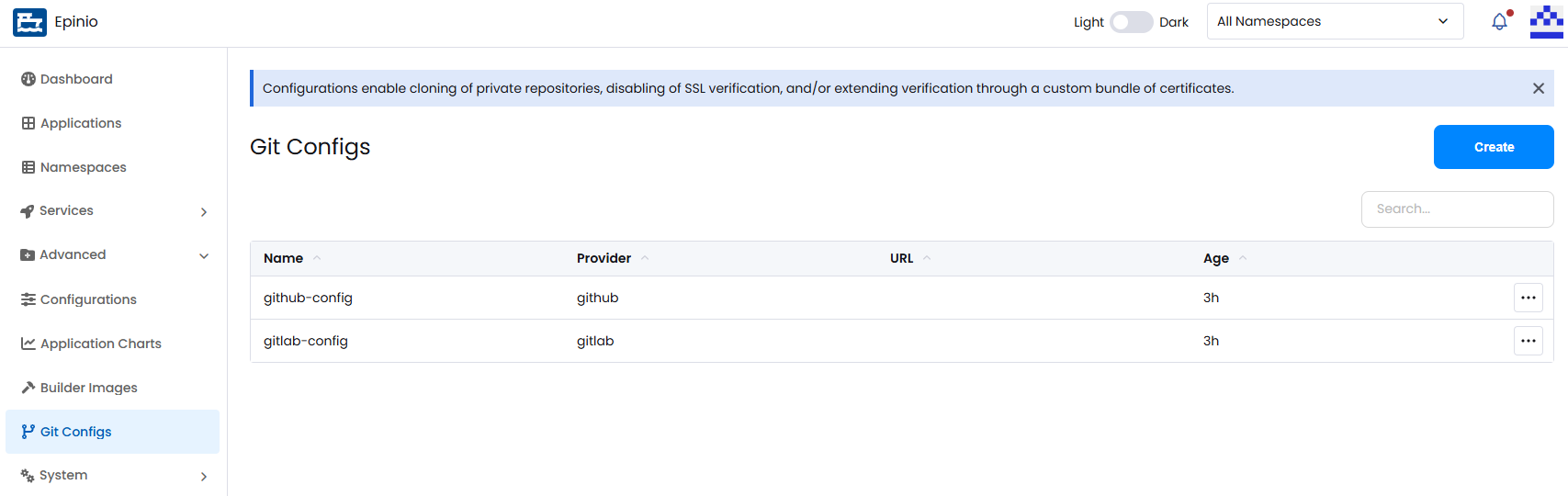
List all git configs:
epinio gitconfig list
Create a Git Configuration
- UI
- CLI
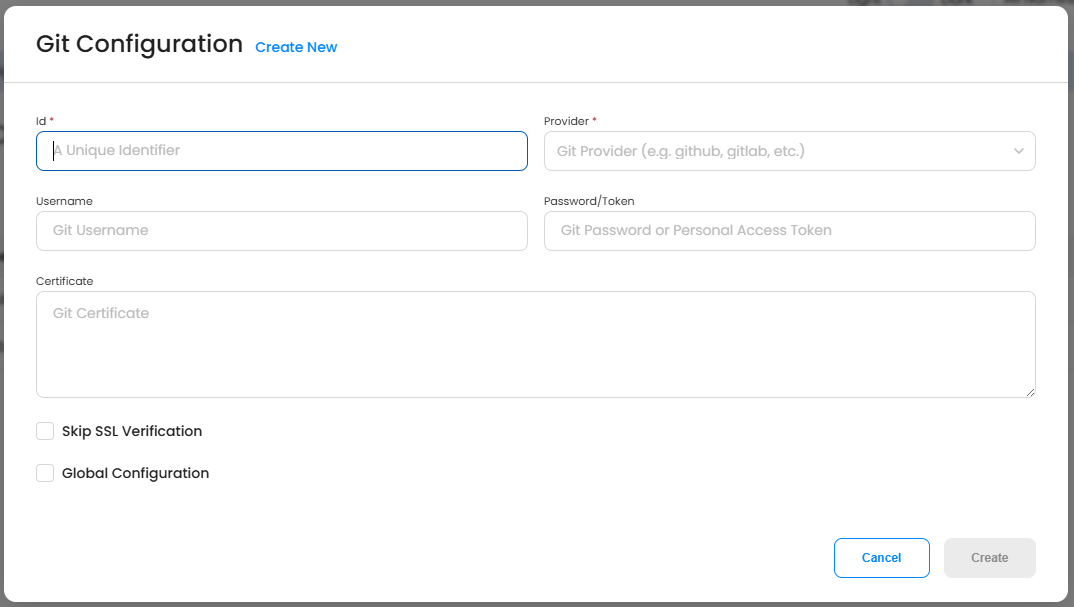
Click Create on the Git Configs page to open the creation modal. First, you must provide a unique id for your git config.
Epinio offers several git providers to choose from, including GitHub and GitLab. If you select enterprise versions of GitHub or GitLab, you will also have to provide the host URL.
You can also provide your Git username, as well as a password/token, so Epinio can access private repos/projects.
Finally, you can provide epinio with git certificates and toggle some addtional config options.
Create git config:
epinio gitconfig create github-epinio-example-go-configuration https://github.com \
    --git-provider github \
    --user-org epinio \
    --repository example-go \
    --skip-ssl \
    --username myuser \
    --password abcde12345 \
    --cert-file /path/to/some/certfile
Delete a Git Configuration
- UI
- CLI
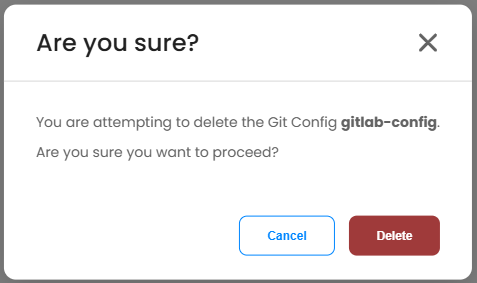
Open the action menu for the git config and select Delete. Confirm the deletion.
Delete git config:
epinio gitconfig delete my-git-config
Additional CLI Commands
For additional documentation on the CLI commands above, along with additional commands, see the epinio gitconfig chart CLI reference.